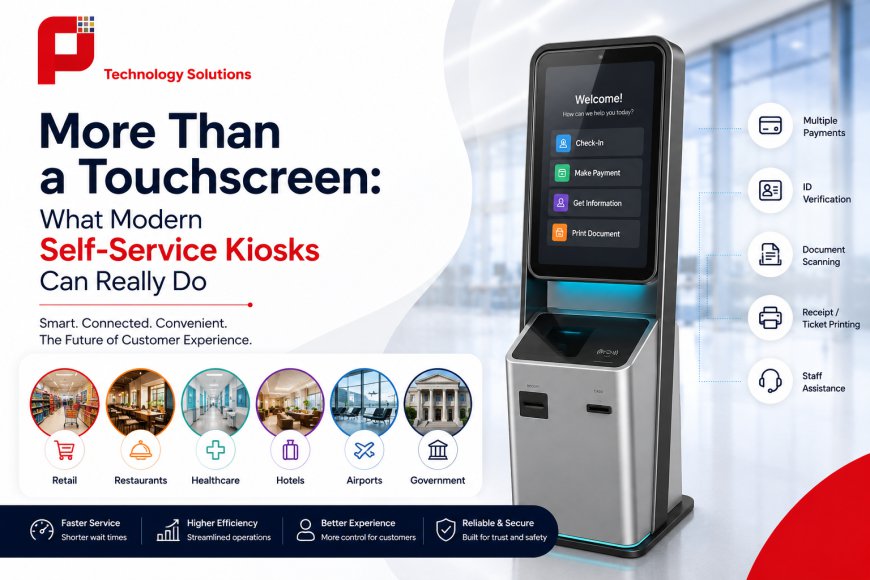
More Than Just a Touchscreen: What Modern Self-Service Kiosks Can Really Do
Modern self-service kiosks do more than provide touchscreen access. Discover how kiosks combine payments, identity verification, scanning, printing, business integrations, accessibility, and remote monitoring to create faster and more convenient customer experiences.
 Panashi Technology Solutions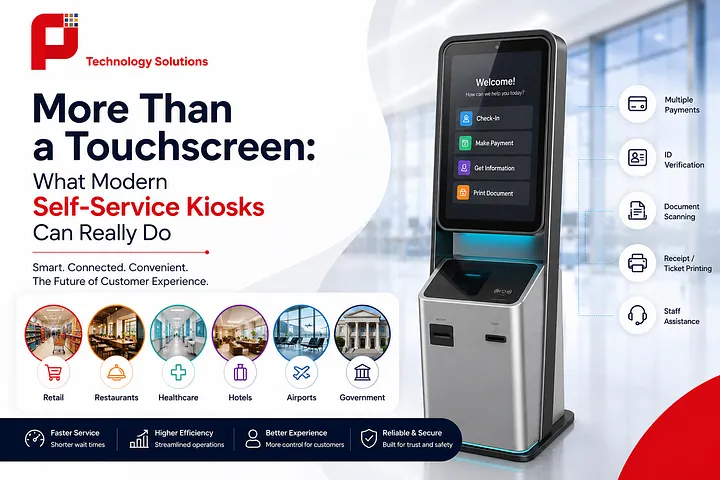
Introduction
When people hear “self-service kiosk,” they often picture a large touchscreen where customers tap a few buttons and move on. But modern kiosks can do much more than that. Today, a self-service kiosk can identify customers, accept cards and digital payments, scan documents, print receipts or tickets, verify information, connect with staff, and even complete an entire transaction from start to finish.
From retail stores and restaurants to hospitals, hotels, airports, banks, and government offices, businesses are using self-service kiosk solutions to make everyday services faster and easier. The goal is not simply to remove queues. It is to improve the complete customer journey while giving people greater control over how they complete a task.
What Modern Self-Service Kiosks Can Really Do
A modern self-service kiosk is better understood as a connected service station, not simply a touchscreen computer.
The screen is only the part customers see. Behind it, a kiosk can combine hardware, software, payment systems, databases, business applications, and other connected services to complete specific tasks.
For example, imagine visiting a hospital for an appointment. Instead of standing at a reception desk, you could use a kiosk to enter your details, verify your identity, check your appointment, make a payment, print a receipt, and receive directions to the right department.
The same idea works in completely different industries.
A restaurant kiosk can allow customers to browse a menu, customize their order, make a payment, and send the order directly to the kitchen. In retail, a kiosk can help customers search for products, check availability, place orders, and complete payments.
One Kiosk, Multiple Functions
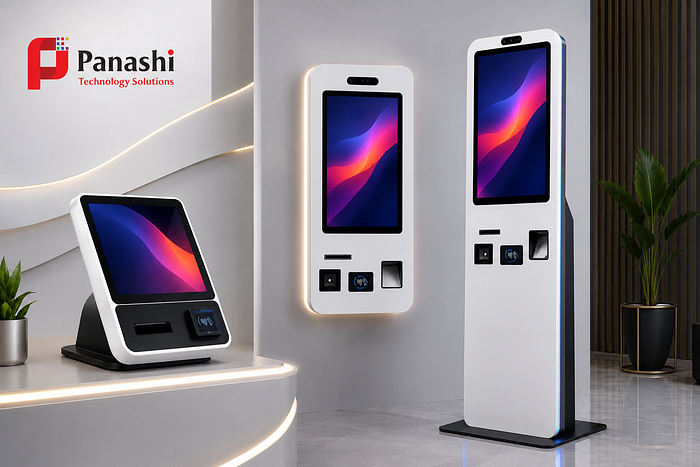
Modern self-service kiosks can be configured with different hardware depending on the job they need to perform. These may include:
- Touchscreen displays
- Card and contactless payment systems
- QR and barcode scanners
- ID and smart-card readers
- Fingerprint or biometric devices
- Cameras
- Document scanners
- Receipt and A4 printers
- Ticket printers
- Customer-facing audio systems
- Accessibility features
The important point is that businesses do not need every feature. A kiosk should be designed around the actual customer journey.
For an airport, that could mean check-in and boarding-pass printing. For a hotel, it could mean guest check-in and key-card issuance. For a government office, it could involve document submission, identity verification, payments, and application tracking.
For example, Panashi check-in kiosks can support processes such as passenger or guest verification, booking information retrieval, payment processing, and printing.
The best kiosk solution is therefore not necessarily the one with the most features. It is the one that makes a specific service easier to complete.
How Self-Service Kiosks Work Behind the Touchscreen
The touchscreen may look simple, but a modern kiosk can connect several systems in the background.
When a customer starts a transaction, the kiosk interface communicates with the business’s software and connected services. Depending on the application, it may retrieve customer information, check inventory, process a payment, print a document, or send information to an employee.
For example, in a retail environment, a customer might scan a product at a kiosk. The system can check the product database, display pricing and availability, calculate the total, process payment, and generate a receipt. If the product is unavailable, the kiosk could also provide alternative options or allow the customer to place an order.
Connecting the Customer and the Business
This connectivity is what makes modern kiosks different from standalone machines.
A kiosk can connect with:
- Payment gateways and POS systems
- CRM and customer databases
- Inventory management platforms
- Ticketing and booking systems
- Printers and scanners
- Enterprise software
- Employee or staff dashboards
- Remote monitoring platforms
- Analytics and reporting tools
Businesses looking for a solution that needs to work with existing CRM, ERP, POS, or payment platforms can consider customized kiosk solutions. Integration allows the kiosk to become part of the existing business workflow rather than operating as a separate system.
Remote monitoring can also help businesses keep track of kiosk status, software performance, errors, and operational activity. This is particularly useful for organizations managing multiple kiosks across different locations.
The result is a service process where the kiosk handles routine tasks while employees can concentrate on situations that require judgment, expertise, or personal interaction.
Where Kiosks Deliver the Most Value, and How to Choose One
Self-service kiosks can create value in many different environments, but the benefits depend on how well the technology fits the business.
One of the biggest advantages is faster service. Customers can complete simple transactions without waiting for an available employee. This can be especially useful during busy periods when queues build up quickly.
Kiosks can also improve data accuracy because customers enter their own information directly into the system. This can reduce errors caused by manual data entry and make information available to the right business systems immediately.
Helping Employees Work Smarter
A common misconception is that self-service kiosks are designed to replace employees. That is not always the goal.
In many successful deployments, kiosks handle repetitive and straightforward tasks while employees focus on more valuable work. A restaurant employee can spend more time helping customers who need assistance. Hospital staff can focus on patients who require personal attention. Hotel employees can concentrate on guest requests rather than handling every routine check-in.
For example, Panashi restaurant self-ordering kiosks are designed to help customers manage their own ordering process while allowing restaurant staff to focus on other service responsibilities.
This creates a balance between automation and human service.
Improving the Customer Experience
Customers also gain more control over the process. They can take their time reviewing options, choose their preferred payment method, access information, and complete routine services without depending entirely on another person.
Businesses can also use kiosks to provide consistent service across locations. The same process, information, pricing, and instructions can be presented to customers regardless of which branch they visit.
Kiosks can even support upselling and recommendations. A restaurant kiosk might suggest a drink or side dish, while a retail kiosk could recommend related products. These suggestions can be presented naturally during the customer’s journey rather than relying entirely on staff to remember every opportunity.
Accessibility and Inclusive Design Matter
A kiosk should be usable by as many customers as possible. Businesses should consider screen positioning, readable interfaces, audio guidance, tactile controls, language options, and other accessibility requirements during the design process.
The W3C Web Content Accessibility Guidelines (WCAG) provide internationally recognized guidance for making digital experiences more accessible. While a physical kiosk has additional design considerations, accessibility principles are useful when planning the customer interface.
Protecting Customer Information
Modern kiosks may handle personal information, identification documents, payment details, or other sensitive data. Security should therefore be considered from the beginning rather than added later.
Businesses should review authentication, encryption, access controls, software updates, network security, data retention, and monitoring requirements before deployment. The NIST Cybersecurity Framework provides a useful reference for organizations developing broader cybersecurity practices.
What Should You Look for When Buying a Kiosk?
Before investing in a self-service kiosk, businesses should start with the problem they want to solve.
Ask questions such as:
- What task currently creates the longest queues?
- What information do customers need to provide?
- Which payment methods should be supported?
- Does the kiosk need printing, scanning, or ID verification?
- Which business systems need to be connected?
- Will customers with disabilities be able to use it comfortably?
- How will personal and payment information be protected?
- How will the kiosk be monitored and maintained?
- When should customers be transferred to a staff member?
The physical design matters too. A kiosk for an airport may require a different configuration from one used in a restaurant or hospital. Businesses should consider screen size, placement, durability, accessibility, branding, connectivity, and the environment where the machine will operate.
A custom self-service kiosk solution can be particularly useful when standard hardware cannot support the required customer journey.
Conclusion
Modern self-service kiosks are much more than large touchscreen displays. They can bring together payments, identity verification, document scanning, printing, accessibility features, business software, customer information, and remote support in one connected service solution.
But technology alone does not guarantee a better customer experience.
The right kiosk should solve a real problem. It should make a routine process faster without making the customer experience complicated. It should protect personal information, support accessibility, integrate smoothly with existing business systems, and provide human assistance whenever a customer needs it.
For businesses in retail, restaurants, healthcare, hospitality, airports, banking, government, and other industries, the opportunity is not simply to automate a transaction.
It is to rethink how that transaction happens.