Non-Redundant Plex Server Storage: Is It the Right Choice for Your Media Library?
Learn how non-redundant Plex server storage can help you maximize storage space, reduce costs, and grow your media library efficiently.
 greta22
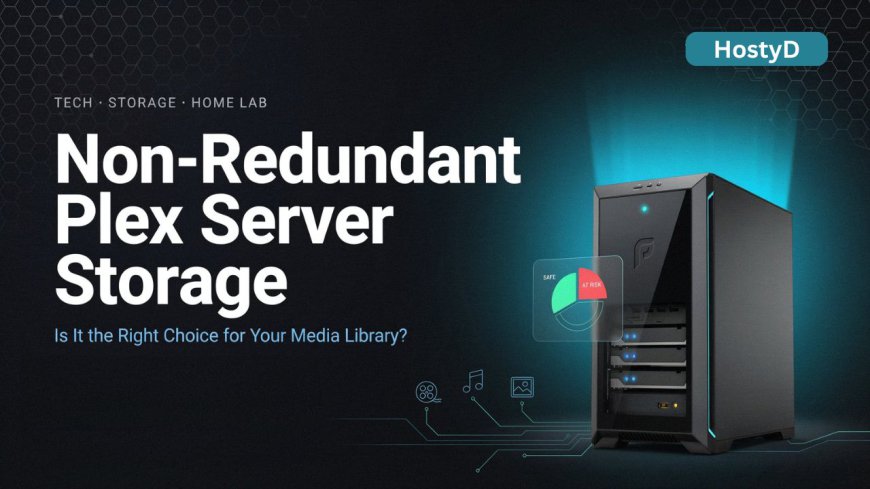
Building a Plex server is one of the best ways to organize and stream your favorite movies, TV shows, music, and personal videos. However, as your media collection grows, storage quickly becomes a major consideration. Many users look for a solution that offers plenty of space without breaking the bank. That's why non-redundant Plex server storage has become a popular choice.
For anyone new to Plex, non-redundant storage is a simple setup that focuses on maximizing available storage capacity. Instead of using multiple drives to create backup copies of your data, every drive is used entirely for storing media files. This means you get the most value from the storage hardware you purchase.
Why Choose Non-Redundant Storage?
The biggest advantage is efficiency. When you buy a hard drive, you want to use all of its capacity. Non-redundant storage allows exactly that. Whether you have one drive or several, all available space can be dedicated to your Plex library.
Another major benefit is affordability. Redundant storage systems often require additional drives for data protection. While that extra protection is useful, it also increases costs. Non-redundant storage eliminates the need for duplicate drives, making it an attractive option for budget-conscious users.
For beginners, simplicity is another reason to choose this setup. There are no complicated RAID configurations to manage. You can install your drives, upload your media, and start streaming through Plex with minimal setup.
Things to Keep in Mind
While non-redundant storage offers excellent value, it does come with risks. If a hard drive fails, the files stored on that drive could be lost. Unlike RAID systems, there is no built-in protection against hardware failure.
That doesn't mean you should avoid non-redundant storage. It simply means you should have a backup plan for important files. Many Plex users store personal photos, videos, and documents on external drives or cloud services while using their main storage for media content.
Tips for a Better Plex Storage Experience
To get the best results from your setup, invest in reliable hard drives from trusted manufacturers. Regularly check drive health and replace aging hardware before problems occur.
It's also a good idea to keep your media library organized. Clear folder structures help Plex identify content correctly and improve the overall user experience.
Final Thoughts
For many home users, non-redundant storage offers the perfect combination of affordability, flexibility, and storage capacity. It allows you to build a large Plex library without spending extra money on redundant hardware.
If your goal is to maximize space and keep costs under control, non-redundant Plex server storage can be a practical solution. With reliable drives and a simple backup strategy, you can enjoy a powerful Plex server that continues to grow alongside your media collection.
Call to Action
Want to learn more about optimizing your Plex setup? Visit the complete guide on non-redundant Plex server storage and discover the best ways to expand your media library while making the most of your storage investment.