

PAX S300 Security Features: What Businesses Should Know

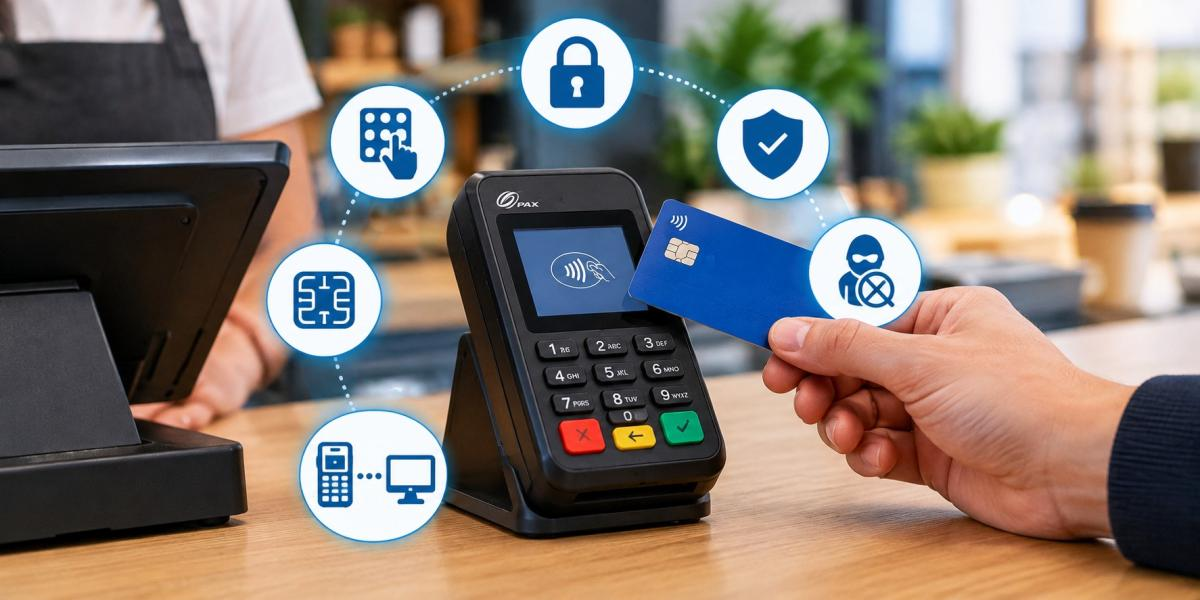
Keeping customer payment details safe is an important part of running a business. Whether you own a retail store, restaurant, café, or another type of business, you need a payment system that helps protect customer information and supports safe transactions. A secure payment process can lower the risk of fraud and help customers feel more confident when paying by card.
The PAX S300 is a compact payment terminal designed to work with compatible point-of-sale (POS) systems. It allows customers to enter their PIN and complete supported card transactions through a separate payment device. Its small size makes it a useful option for businesses that need a simple payment setup.
However, choosing a payment terminal is not only about speed and ease of use. Businesses should also understand how the device handles payment details, what security features are available, and how to keep the entire payment system safe.
In this article, we will explain the main security features of the PAX S300 in simple terms and share what businesses should check before using it.
What Is the PAX S300?
The PAX S300 is a compact payment PIN pad designed to work with a compatible POS system. It helps businesses accept supported card payments while allowing customers to enter their PIN directly on the device.
This type of terminal can be useful in shops, restaurants, cafés, and other businesses that accept card payments. It keeps the payment process separate from the main POS system, making it easier for customers to complete their transactions.
The exact features of the PAX S300 depend on the device model, software, and payment setup. For this reason, businesses should check which payment methods and security features are supported before buying or installing the terminal.
Understanding these features can help business owners make a better choice for their payment needs.
1. Secure PIN Entry
One of the main features of the PAX S300 is its dedicated PIN pad. When a customer needs to enter a PIN during a card payment, they can do so directly on the terminal.
This helps protect private information by reducing the need for customers to share their PIN with staff. It also gives customers more control over their payment details.
Secure PIN entry is especially useful in busy places where many customers make payments throughout the day.
Businesses can make this process safer by placing the terminal where customers can enter their PIN without others seeing the keypad. Staff should also avoid looking at the keypad while a customer enters their details.
A secure payment process protects customer privacy and helps create a better checkout experience.
2. Protection of Payment Information
Payment information must be handled carefully during every transaction. If card details are not properly protected, criminals may try to steal them and use them for unauthorised payments.
The PAX S300 is designed for use in payment systems that apply security measures to protect transaction data. Depending on the approved setup, these measures may include encryption and secure handling of payment information.
Encryption changes data into a protected form so that it is harder for unauthorised people to read. It helps protect information as it moves between supported parts of the payment system.
However, the terminal alone cannot protect every part of a transaction. The connected POS system, payment software, network, and payment service must also be set up correctly.
Before choosing the PAX S300, ask your payment provider which data protection features are supported by your device and how the complete system keeps payment information safe.
3. EMV Chip Card Security
Many modern debit and credit cards use EMV chip technology. This technology helps make card payments more secure than older payment methods that rely only on magnetic stripe data.
When a customer uses a chip card, the chip helps create transaction information that supports payment checks. This makes it harder for criminals to copy card data and use it to make certain types of fake card transactions.
The PAX S300 is used in EMV payment environments, but the exact chip card features available depend on the model, software, and payment provider.
For businesses, EMV support can help lower the risk of some types of card fraud when transactions are handled correctly.
Before installing the terminal, confirm that it supports the chip cards your customers use and that the payment software is approved and up to date. Having a suitable device is only one part of keeping card payments secure.
4. Physical Security and Tamper Protection
Payment terminals need protection against physical interference. Criminals may try to change a device or attach unauthorised equipment to steal card information or PINs.
Payment terminals may include features that detect certain types of tampering. The exact protection available on the PAX S300 depends on its model and setup, so businesses should confirm these details before use.
Employees should check the terminal regularly for signs of damage or unexpected changes. These may include a loose keypad, unusual attachments, damaged casing, or parts that look different from normal.
If anything seems suspicious, stop using the terminal and contact your payment provider for advice before accepting more payments.
It is also important to keep the device in a safe place and allow only authorised staff to handle it. Repairs and changes should be carried out only through approved support channels.
Regular checks can help businesses spot problems early and protect their customers.
5. Safe Connection With POS Systems
The PAX S300 can work with a compatible POS system as part of a business payment setup. During a transaction, the terminal and connected system may need to exchange information to complete the payment.
These connections must be protected to reduce the risk of unauthorised access or data theft.
Businesses should use only supported equipment and approved payment software. They should also follow the correct setup instructions and avoid making changes that have not been approved by their payment provider.
Keeping the connected systems secure is just as important as protecting the terminal itself.
For example, businesses should use suitable network security, limit access to payment systems, and keep connected software updated. They should also avoid connecting payment equipment to unknown devices.
A secure connection helps the terminal work as part of a safer payment environment.
6. Payment Security Standards
Payment security standards help businesses protect customer information and manage payment risks. One important standard is the Payment Card Industry Data Security Standard (PCI DSS).
PCI DSS includes rules for protecting payment account data. Depending on the business and its payment setup, these rules may apply to different systems, networks, and processes used to handle payments.
Using a secure terminal does not automatically make the whole business compliant with these requirements.
Businesses should check the current security approvals and certifications for their exact PAX S300 model, firmware, and payment application. They should also ask their payment provider which security requirements apply to their setup.
It is important to remember that different security standards cover different areas. Some focus on protecting payment data, while others cover PIN entry and payment device security.
Checking these requirements before installation can help businesses avoid problems and maintain a safer payment process.
7. Software Updates and Maintenance
Payment security needs regular attention. As new risks appear, software updates may be needed to fix problems, improve protection, or support changes in payment requirements.
Businesses should make sure their PAX S300 uses supported software and follows the update process provided for their device.
Do not install unknown software or try to change the terminal's internal settings without approval. Unapproved changes may affect security and prevent the device from working correctly.
It is also important to keep the connected POS system updated. Even if the payment terminal is secure, outdated software on another connected device may create a weakness.
Business owners should ask their payment provider how updates are managed and whether any action is required from their team.
Regular maintenance helps keep the payment setup working properly and reduces avoidable security risks.
8. Support for Different Payment Methods
Customers want payment options that are quick and easy to use. Depending on the setup, these may include chip cards, PIN-based payments, and contactless transactions.
The payment methods supported by the PAX S300 depend on the exact device version, payment software, and provider. Businesses should not assume that every model supports every payment option.
Before purchasing the terminal, check which card types and payment methods are available. If contactless payments are important to your business, confirm that the specific device and payment setup support them.
You should also check whether any additional settings or software are needed to enable the required payment methods.
Choosing a terminal that matches your business needs can help you offer a smooth checkout experience while keeping security in mind.
Key PAX S300 Security Features at a Glance
The table below highlights the main security areas businesses should review before using the PAX S300.
|
Security feature |
Why it matters |
What businesses should do |
|---|---|---|
|
PIN entry |
Helps protect customers' PINs |
Position the terminal for private entry |
|
Payment data protection |
Helps keep payment information safe |
Confirm the supported security features |
|
EMV chip support |
Helps reduce certain types of card fraud |
Check chip card compatibility |
|
Tamper protection |
Helps identify possible device interference |
Inspect the terminal regularly |
|
POS connection |
Helps protect communication between devices |
Use approved equipment and secure networks |
|
Security standards |
Helps businesses follow payment security rules |
Check current approvals and requirements |
|
Software updates |
Helps address security problems |
Keep approved software up to date |
|
Payment methods |
Helps meet customer payment needs |
Confirm the features supported by your setup |
Best Practices for Keeping the PAX S300 Secure
A secure payment terminal works best when employees follow good security habits. Businesses can take several simple steps to reduce payment risks.
Train Your Staff
Make sure employees know how to use the terminal correctly. They should understand how to spot unusual activity, protect customer privacy, and report possible security problems.
Check the Device Regularly
Inspect the terminal for damage, loose parts, or anything that looks unusual. If you suspect tampering, stop using the device and contact your payment provider.
Limit Access to the Terminal
Only authorised staff should handle the device or make approved changes to its setup. This helps reduce the chance of accidental damage or unauthorised access.
Use Approved Equipment and Software
Make sure the terminal works with your POS system and payment service. Avoid unknown software, unapproved repairs, and changes that may affect security.
Protect Your Network
Use suitable network security and keep connected systems updated. A secure network helps protect the wider payment setup from unauthorised access.
Report Problems Quickly
If a transaction looks unusual or the terminal appears to have been changed, report the issue to your payment provider as soon as possible. Acting quickly may help prevent further problems.
These steps are simple to follow and can make a real difference in keeping everyday card payments safer.
Is the PAX S300 Right for Your Business?
The PAX S300 may be a good option for businesses that need a compact PIN pad to work with a compatible POS system. It can support a convenient checkout process while allowing customers to enter their PIN directly on the payment device.
However, the right payment terminal depends on your business needs. You should consider the payment methods you want to accept, compatibility with your existing system, available support, and the security features offered by your chosen setup.
Before making a decision, ask for details about the device's current approvals, supported software, payment options, and maintenance requirements.
Taking the time to check these points can help you choose a payment solution that works well for your business and supports safe transactions.
Final Thoughts
The PAX S300 is a compact payment terminal that can be a useful choice for businesses looking for a dedicated PIN pad. Features such as secure PIN entry, support for approved card payment systems, and compatibility with suitable POS equipment can help businesses manage daily transactions.
However, payment security depends on more than the terminal. Businesses also need approved software, a secure network, regular device checks, and staff who understand safe payment practices.
Before choosing the PAX S300, make sure its features match your needs and confirm the security requirements with your payment provider. To learn more about payment solutions for your business, visit Florida Payments.













Comments (0)