

How Repair Shop Management Software Can Improve Daily Shop Operations
Discover how repair shop management software streamlines work orders, maintenance, parts, labor tracking, and daily operations to improve efficiency and reduce repair delays.

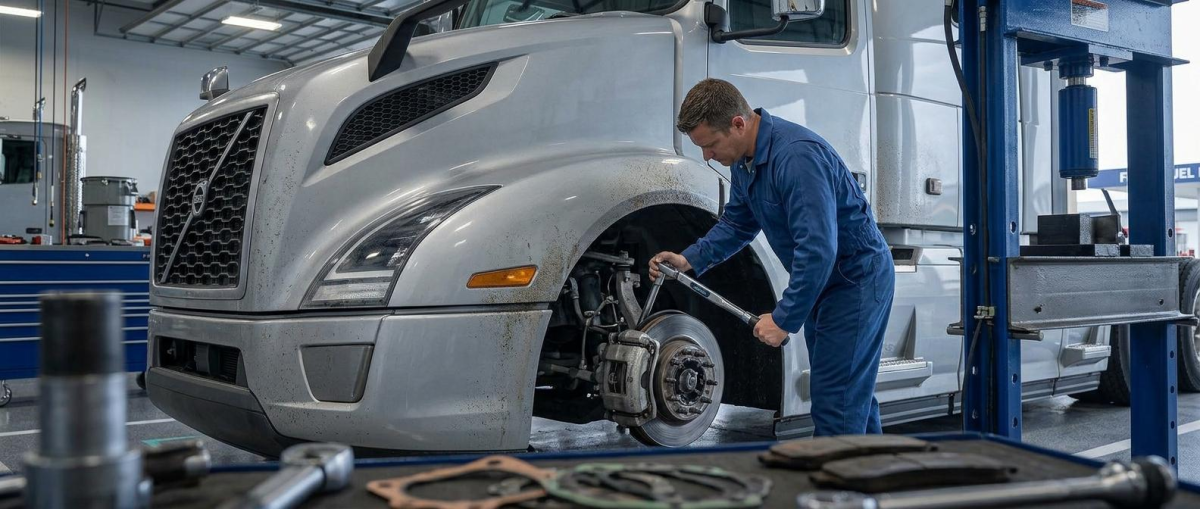
Running a repair shop involves much more than fixing vehicles. Every day can include customer requests, inspections, work orders, technician assignments, parts management, labor tracking, invoices, maintenance records, and follow-ups. When these activities are handled through disconnected paperwork or multiple spreadsheets, even a busy shop can lose valuable time.
As repair operations become more complex, having a structured way to organize daily work becomes increasingly important. Repair shop management software can bring many of these activities into one centralized system, helping managers and technicians keep track of what needs to be done, what is already in progress, and what has been completed.
The goal is not simply to replace paperwork with technology. A well-organized digital process can give repair shops better visibility into their operations while reducing unnecessary administrative work.
Creating a More Organized Repair Workflow
A repair shop may have several vehicles moving through different stages at the same time. One vehicle may be waiting for inspection, another may need parts, while a third is already assigned to a technician.
Without a clear workflow, it can become difficult to know the current status of every repair.
Managing Work Orders From One Place
Work orders are at the center of most repair operations. They contain information about reported problems, inspection findings, recommended repairs, labor, parts, and completion details.
A digital system can help organize these records so technicians and managers can quickly find the information they need.
Keeping Repair Information Connected
Instead of maintaining separate notes for inspections, parts, labor, and completed repairs, a centralized workflow can connect these details to the same vehicle and work order.
This makes it easier to understand the complete history of a repair without searching through multiple sources.
Improving Technician Productivity
Technicians spend their time solving mechanical problems, but administrative tasks can consume a surprising amount of their working day. Searching for repair information, checking previous service records, locating work instructions, and communicating job status can slow down the workflow.
Giving Technicians Clearer Job Information
When technicians receive clearly documented work orders, they can better understand what needs to be inspected or repaired.
Access to previous service information can also provide useful context. If a vehicle has experienced a similar problem before, that history may help the technician investigate the issue more efficiently.
Reducing Unnecessary Administrative Tasks
Paper forms and manual data entry can create repetitive work. Information may need to be written down, transferred into spreadsheets, and later entered into another system.
More Time for Repair Work
A streamlined digital process can reduce some of this duplication. Technicians can spend more time working on vehicles while managers retain access to the information required to monitor progress.
This can contribute to a smoother workflow without changing the fundamental role of the technician.
Managing Parts and Inventory More Effectively
Parts availability can directly affect repair turnaround times. A vehicle may be ready for repair, but the job can remain unfinished if the required component is unavailable.
Effective inventory management helps shops maintain better awareness of the parts they use regularly.
Tracking Parts Used During Repairs
When parts are connected to individual work orders, managers can develop a clearer understanding of which components are being consumed and where they are being used.
This can help with inventory planning and reduce uncertainty around frequently needed items.
Avoiding Unnecessary Inventory Problems
Keeping too many parts in stock can tie up money, while keeping too few can delay repairs.
Understanding Parts Demand
Historical repair information can help shops identify commonly used components and recognize purchasing patterns. This gives managers useful information when deciding what should be reordered and when.
Better visibility can also make it easier to investigate unexpected increases in parts consumption.
Making Preventive Maintenance Easier to Manage
Repair shops that service fleet vehicles often handle both unexpected repairs and scheduled maintenance.
Preventive maintenance is important because vehicles do not always fail without warning. Regular inspections and scheduled services can identify developing problems before they become major repair events.
Scheduling Maintenance Before It Becomes Overdue
Different vehicles can have different service requirements based on mileage, engine hours, operating conditions, or manufacturer recommendations.
A centralized maintenance system can help teams monitor upcoming services and organize them around shop capacity.
Building Consistent Maintenance Histories
Every completed service adds information to a vehicle's history.
Using Past Maintenance to Guide Future Work
When maintenance records are easy to access, technicians can see what services have already been performed and managers can identify recurring repair patterns.
This can make future maintenance planning more informed and reduce the risk of important service information being overlooked.
Tracking Labor and Repair Costs
A repair shop needs to understand where its time and money are going. Individual jobs may appear profitable, but inefficient workflows, repeated repairs, excessive downtime, or poor parts planning can affect overall shop performance.
Monitoring Labor Across Work Orders
Recording technician labor against specific repair jobs provides a clearer picture of how long different types of work require.
Managers can use this information to understand workload, identify delays, and plan technician assignments more effectively.
Understanding Repair Expenses
Parts and labor are only two components of repair costs. Additional expenses can arise from outside services, emergency repairs, towing, or vehicles remaining unavailable for extended periods.
Turning Repair Data Into Useful Information
When repair information is consistently recorded, managers can compare costs across vehicles and repair categories.
This can help identify vehicles that repeatedly require expensive work or repair processes that may need closer attention.
Improving Communication Between Teams
Repair operations often involve multiple people. Drivers report problems, service advisors or managers create work orders, technicians diagnose issues, parts staff handle inventory, and administrators may manage billing or documentation.
If communication between these roles is unclear, delays can occur.
Keeping Everyone Updated
A centralized repair workflow can give relevant team members access to the same job information.
Instead of relying entirely on phone calls, handwritten notes, or individual messages, employees can refer to the current work-order status.
Reducing Miscommunication
When repair details are documented clearly, there is less dependence on someone's memory of a conversation.
Creating a Reliable Information Trail
A properly maintained record can show when a problem was reported, what was discovered, which repairs were approved, what parts were installed, and when the vehicle was completed.
This creates greater accountability throughout the repair process.
Using Data to Improve Shop Performance
One of the less obvious benefits of organized repair information is the ability to identify operational trends.
A shop generates valuable data through every inspection, repair, part replacement, and completed work order.
Identifying Recurring Problems
If the same vehicle repeatedly returns with similar issues, its maintenance history can help managers investigate the underlying pattern.
Likewise, if certain repairs consistently require more labor than expected, the shop can review those jobs more closely.
Measuring Operational Efficiency
Useful measurements may include repair turnaround time, technician workload, parts usage, recurring repairs, preventive maintenance completion, and vehicle downtime.
Moving Beyond Guesswork
Managers do not have to rely solely on assumptions when deciding where improvements are needed. Consistent records can provide evidence about how the shop is actually operating.
The objective is not to collect data for its own sake. The information should help the team make practical decisions.
Choosing the Right Repair Shop Management Software
Not every repair shop has the same requirements. A small independent shop may need a straightforward system, while a larger fleet maintenance operation may require more advanced functionality.
Before selecting software, managers should consider how the platform fits their existing workflow.
Important Features to Evaluate
Depending on the shop's needs, useful capabilities may include:
- digital work orders
- vehicle service histories
- preventive maintenance scheduling
- technician labor tracking
- parts and inventory management
- inspection records
- repair cost tracking
- maintenance reporting
- service reminders
- mobile access
The most useful features are those that solve actual operational problems rather than simply adding complexity.
Prioritizing Ease of Use
Software adoption depends heavily on whether employees can use the system consistently.
A Practical System Supports the Existing Workflow
Technicians should be able to access job information without unnecessary steps. Managers should be able to review repair status without searching through multiple screens or files.
A system that fits naturally into daily shop operations is more likely to become a dependable part of the maintenance process.
Preparing a Repair Shop for Growth
As the number of vehicles and repair jobs increases, manual processes can become harder to maintain.
A system that works for a small number of vehicles may become inefficient as the shop takes on more customers, technicians, and maintenance responsibilities.
Building a Scalable Maintenance Process
Digital records make it easier to maintain consistent processes as workload grows. New employees can follow established workflows, while managers can continue monitoring repair activity without depending entirely on physical paperwork.
Maintaining Better Visibility as Operations Expand
Growth can introduce new challenges, including more work orders, larger parts inventories, additional technicians, and increased administrative requirements.
Keeping Control as Workload Increases
A centralized system can help managers maintain visibility across these areas. Rather than adding more spreadsheets and manual processes every time the business grows, the shop can build its operations around a more consistent information structure.
Conclusion
A modern repair shop needs more than skilled technicians and quality parts. It also needs an organized process for managing the information surrounding every repair.
Repair shop management software can help bring work orders, vehicle histories, preventive maintenance, parts, labor, and repair data into a more connected workflow. This can reduce administrative friction, improve visibility, and give managers better information for daily decisions.
The real value comes from using technology to support a practical maintenance process. When technicians have clearer job information, managers can monitor work more effectively, and repair histories remain organized, the entire operation becomes easier to manage.
For shops looking to improve efficiency without losing control over the details, a structured digital maintenance workflow can provide a foundation for more consistent and scalable operations.



Comments (0)