

WooCommerce Recurring Payments: How Automatic Renewals Work and Which Payment Gateways Support Them
How WooCommerce recurring payments work, which payment gateways support automatic renewals, and how to handle failed payments before launch.
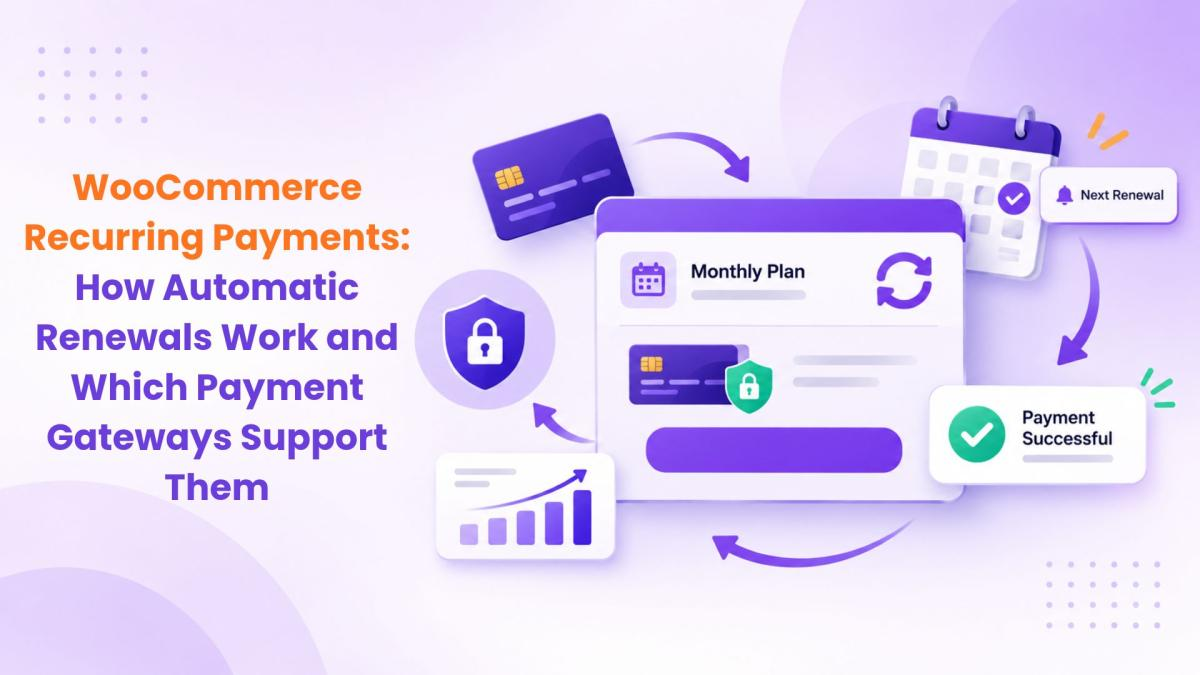
A lot of store owners assume WooCommerce can charge customers every month out of the box. It can't. Core WooCommerce handles one-time orders. To take recurring payments you need two things: a subscriptions plugin that creates renewal orders, and a payment gateway that can charge a saved payment method without the customer present.
Once you understand how those two pieces fit together, you won't launch a subscription product that quietly fails on its first renewal.
How a WooCommerce recurring payment actually works
Here's the sequence behind a typical monthly renewal:
-
The customer buys a subscription product and pays at checkout.
-
The payment gateway securely saves their payment method as a token. Your store never stores the card number itself.
-
On the renewal date, the subscriptions plugin creates a renewal order.
-
The plugin asks the gateway to charge the saved token.
-
The gateway reports back. If the charge succeeds, the subscription stays active. If it fails, your failed-payment process takes over.
Step 2 is everything. If a gateway can't save a payment method for later charges, it can't do automatic renewals.
Automatic vs manual renewals
Not every payment method can run on autopilot. Here's the general split:

Manual renewals aren't wrong. Some B2B buyers prefer them. But expect more drop-off, because every renewal depends on the customer remembering to pay.
Which payment gateways support WooCommerce subscriptions?
This is the question that decides your setup, so here is the current list for Subscriptions for WooCommerce. The free version works with the WooCommerce Stripe gateway and WPS PayPal. The Pro version supports all of these for automatic payments:

Gateway lists change as gateways update their APIs, so confirm yours on the Subscriptions for WooCommerce Pro page before you commit to a processor.
What else to check in a gateway before you launch
-
Strong Customer Authentication. If you sell to customers in the UK or EU, banks may ask for extra verification. Your gateway needs a way to handle renewals that happen while the customer isn't on your site.
-
Currencies. Make sure it supports every currency you sell in before customers in another country sign up.
-
Self-service card updates. Expired cards are one of the most common reasons renewals fail. Letting customers change their payment method themselves saves you a lot of support emails.
-
Clear failure reasons. You want to know why a charge was declined, not just that it failed.
Plan for failed payments from day one
Some renewals will fail. Cards expire, banks block charges and limits get hit. What matters is what happens next.
In Subscriptions for WooCommerce Pro, you can retry failed renewal payments automatically on a schedule you choose, for example on day 1, day 3 and day 5 after the first failure. You also set a maximum number of attempts. If every retry fails, the subscription can be cancelled automatically, so you're not left with zombie subscriptions that never pay.
Alongside retries, use email. The Pro version can send reminders before a renewal or an expiry, plus notices when a subscription is paused, resumed or put on hold. A short heads-up before the charge cuts down on surprised customers and chargebacks.
If some customers prefer to pay renewals themselves, Pro also offers manual subscription payments, where the customer receives an invoice by email with a payment link.
Handling failed payments well is one of the easiest ways to cut churn. Our guide to reducing subscription churn covers the retention side in more depth.
Setting up recurring payments in WooCommerce
The free Subscriptions for WooCommerce plugin is a good place to start. It turns simple products into subscriptions with a billing frequency, a plan expiry, an optional free trial and a signup fee, and it lets customers or admins cancel. When you need variable subscription products, plan upgrades and downgrades with proration, pause and resume, or automatic payment retries, move to Subscriptions for WooCommerce Pro.
A basic setup looks like this:
-
Install the plugin and connect a gateway from the list above.
-
Create a product and mark it as a subscription.
-
Set the price, billing interval (weekly, monthly or yearly), and any free trial or signup fee.
-
Configure your renewal, expiry and failed-payment emails.
-
Test before going live (see below).
For the full screen-by-screen configuration, see our walkthrough on setting up WooCommerce subscriptions.
Test the renewal before real customers find the bugs
Turn on your gateway's test or sandbox mode. Create a subscription with a short interval, such as daily, and buy it with a test card. Then check three things: a renewal order gets created, the saved card gets charged, and the customer receives the right email. Try a declining test card too, so you can watch the retry schedule do its job.
It takes an afternoon, and it's far cheaper than finding out on the first of the month.
Is recurring billing right for your products?
Recurring payments suit consumables, memberships, courses, software and anything customers reorder on a schedule. If you're not sure your product fits, our comparison of subscription vs one-time payment and these subscription box ideas for WooCommerce can help you decide.
FAQ
Can WooCommerce do recurring payments without a plugin?
No. Core WooCommerce only processes one-time orders.
Which payment gateways work with Subscriptions for WooCommerce?
The free version works with Stripe and WPS PayPal. Pro adds PayPal Payments, Braintree, Amazon Pay, WooPayments, Mollie, MultiSafepay, Eway, Authorize.Net, Payfast and PayHere.
Why didn't my subscription renew automatically?
The usual causes are a gateway that can't save payment methods, an expired card, or a bank declining a charge made while the customer was away.
Can the plugin retry failed payments?
Yes. Pro retries on a schedule you set and stops after the maximum number of attempts you choose.
Is there a free WooCommerce recurring payments plugin?
Yes. Subscriptions for WooCommerce is free on WordPress.org.

Free & Premium WooCommerce Plugins with 24x7 support. Grow your business with our customizable personalized extension and WordPress services.




Comments (0)