

How Much Should a Point Be Worth? Setting Earn and Redeem Rates for WooCommerce Points and Rewards
Set earn and redeem rates for your WooCommerce points and rewards program that customers love and your margins can afford. Simple formula inside.
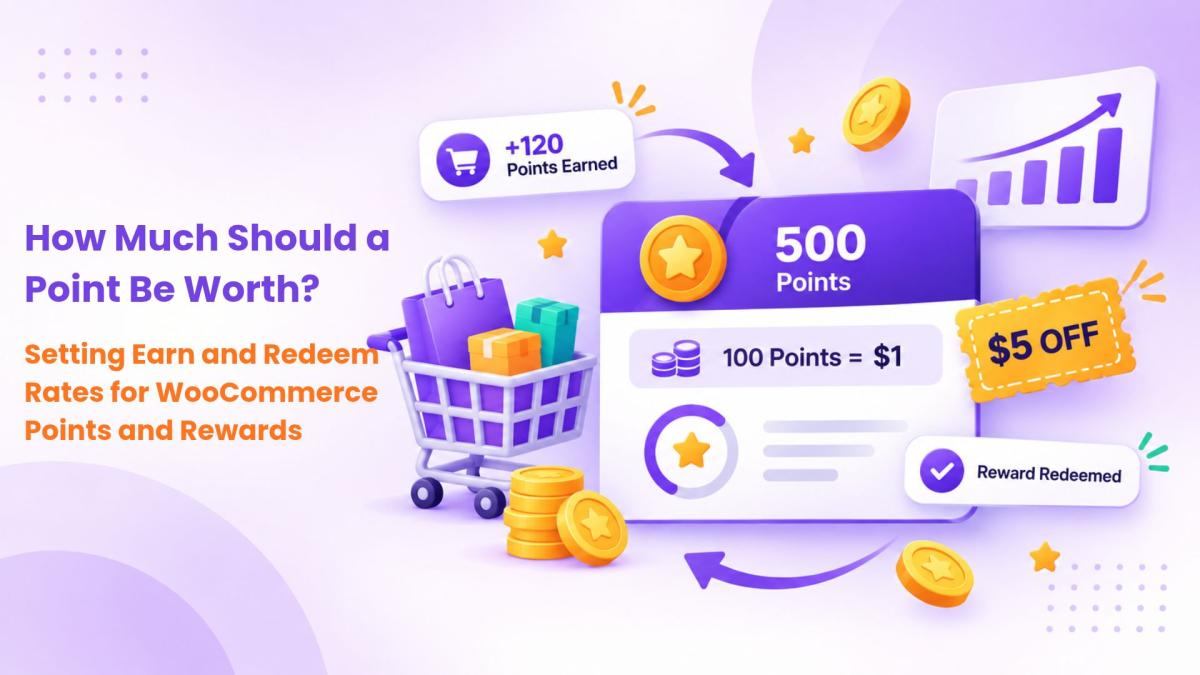
Installing a points plugin takes ten minutes. Deciding what a point is worth takes longer, and it's the decision that makes or breaks the whole program.
Set the value too low and nobody bothers collecting. Set it too high and you're handing out discounts you can't afford. This guide gives you a simple way to land somewhere sensible.
The only formula you really need
Every points program comes down to two settings:
-
Earn rate: how many points a customer gets per unit of currency spent
-
Redeem value: how much one point is worth when they spend it
Multiply them and you get your effective reward rate, the real percentage you're giving back.
\text{Reward rate} = \text{points earned per } \$1 \times \text{value of one point}
Say customers earn 1 point per $1 and 100 points equals $1 off. Each point is worth $0.01, so your reward rate is 1 × $0.01, or 1%.
If customers earn 5 points per $1 and 100 points still equals $1, your reward rate is 5%.
The same rate can feel very different to customers. "Earn 5 points per dollar" sounds more generous than "earn 1 point per dollar," even when the redemption value balances it out. Pick the number that feels good, then adjust the redeem value until the math works.
Check it against your margin
Your reward rate should be a small slice of your gross margin, not most of it. A rough way to think about it:

These aren't rules, just a sanity check. Also remember that not every point gets redeemed. Some customers never come back to spend theirs. That lowers your real cost, but don't plan your margins around it.
Make the first reward reachable
This is where most programs quietly fail. If a customer needs ten orders before they can redeem anything, they'll forget the program exists.
Work backwards from your average order value and aim for the first redemption within two or three orders.
Example: your average order is $60 and customers earn 2 points per $1, so each order earns 120 points. If the minimum redemption is 500 points, that's five orders before any payoff, which is too far. Drop the minimum to 200 points and customers can redeem after their second order. That's the moment they start to care.
Use bonus points for actions, not just purchases
Purchases shouldn't be the only way to earn. Small, capped bonuses for actions you value often work better than a higher purchase rate:
-
Creating an account
-
Leaving a product review
-
Referring a friend who signs up or buys
-
A birthday or anniversary bonus
Keep these modest and set limits, such as one review bonus per product, so the program can't be gamed. Our guide on ways to earn, use and redeem WooCommerce points has more ideas.
Decide what doesn't earn points
A few exclusions protect your margin without annoying anyone:
-
Shipping and taxes. Award points on product value only.
-
Gift card purchases. Otherwise customers earn points on money they haven't spent yet.
-
Sale items or orders using a big discount code. Stacking a 20% coupon with points adds up fast.
Should points expire?
Expiry creates urgency and stops old balances piling up on your books. The trade-off is that it can feel stingy if the window is short. Twelve months from the last activity is a fair middle ground. Customers who keep shopping keep their points, and inactive balances clear out over time. Send a reminder before points expire, so customers get a nudge to come back and redeem.
Setting it up in WooCommerce
The free Points and Rewards for WooCommerce plugin covers the core of a points system for WordPress without custom code. You can award points per dollar spent, on orders, for sign-ups and for referral sign-ups. Customers redeem points on the cart, and you can add badges and levels for a bit of gamification.
Points and Rewards for WooCommerce Pro adds the controls this guide talks about: points expiry, review points, referral purchase points, birthday rewards, multi-level membership tiers, limits on redemption, and the option to block point discounts on sale products. It also lets customers buy products using points only, or pay part of an order with points.
Still comparing tools? Our WooCommerce points and rewards vs YITH comparison and roundup of the best points and rewards plugins lay out the differences.
Review the numbers after 90 days
Once the program is live, watch three things: how many customers redeem at least once, whether members order more often than non-members, and what the program costs as a share of revenue. If redemption is low, your first reward is probably too far away. If costs are creeping up, trim the earn rate or tighten your exclusions.
The plugin's analytics section shows earned, redeemed, expired and outstanding points in one place, along with your top customers by balance. Our guide to loyalty program analytics explains which metrics to track and why.
FAQ
What's a good points-to-dollar ratio for WooCommerce?
A common starting point is 1 point per $1 with 100 points worth $1, which is 1% back. Adjust from there based on your margin.
Is there a free WooCommerce rewards plugin?
Yes. Points and Rewards for WooCommerce is free on WordPress.org.
Should I give points on discounted orders?
You can, but stacking big coupons with points adds up quickly. Many stores exclude sale items or reduce points on heavily discounted orders.
When are points added to a customer's account?
Points for purchases are awarded when the order reaches Completed status, so cancelled or failed orders don't earn anything.

Free & Premium WooCommerce Plugins with 24x7 support. Grow your business with our customizable personalized extension and WordPress services.












Comments (0)