

AI Feature Retirement: Build a Migration Checklist From the Official Notice
An AI feature retirement can look like a small product change until a forgotten workflow stops working. A team may remember its main application while overlooking a scheduled report, a saved template, or a contractor's integration that depends on the same feature.

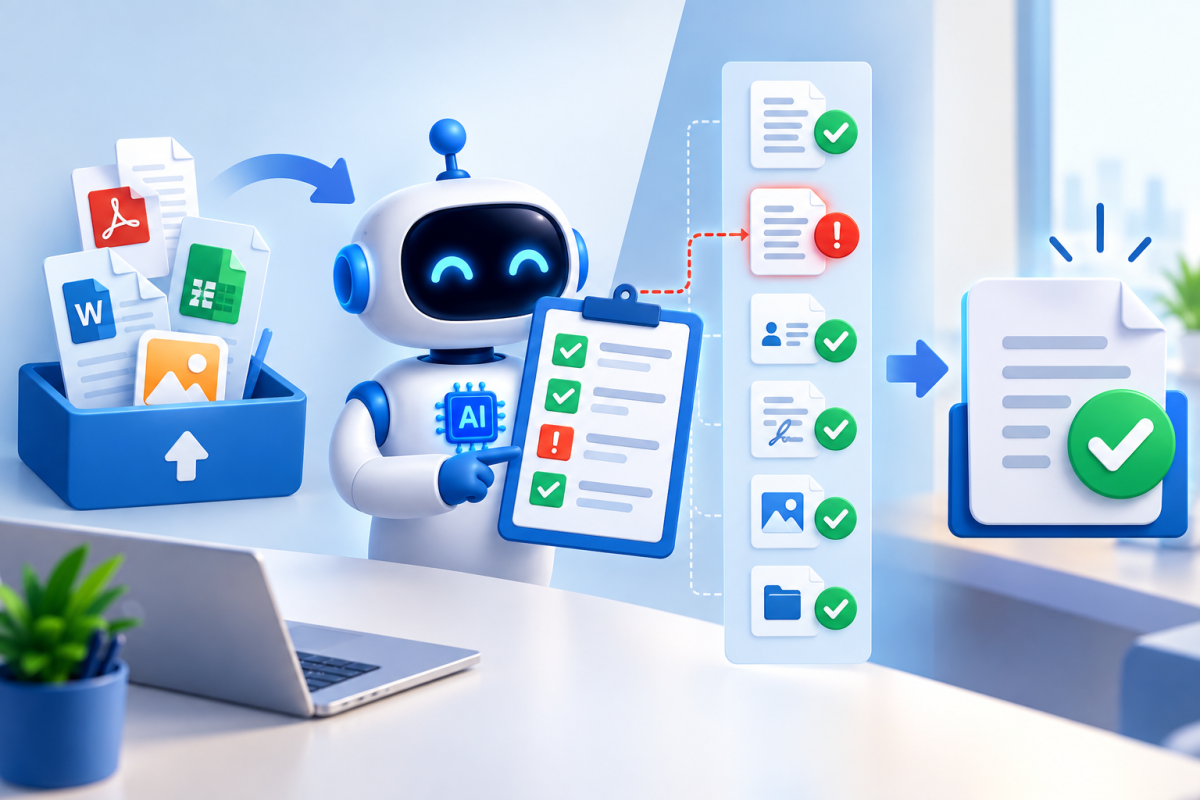
An AI feature retirement can look like a small product change until a forgotten workflow stops working. A team may remember its main application while overlooking a scheduled report, a saved template, or a contractor's integration that depends on the same feature.
The best response starts with the official notice and ends with a tested handoff. It does not stop at replacing a model name in a settings screen. This guide explains how to turn retirement information into a manageable migration, using a hypothetical support-summary workflow to make each step concrete.
Read the notice for the exact affected item
Identify the product, platform, feature or model identifier, and shutdown timing. Distinguish an announcement that an item is discouraged from one stating when it will stop being available. Use the provider's definitions rather than assuming that all companies use lifecycle terms identically.
For example, Google's Gemini API deprecations documentation organizes model lifecycle information and replacement guidance. A live documentation page can change, so consult the applicable entry when planning the migration and retain the review date with your notes.
The important habit is matching the exact identifier. Similar product names can refer to different releases or access routes, and a notice about one platform should not automatically be applied to another.
Find the dependencies before choosing a replacement
Imagine a small support team uses an assistant to turn closed tickets into a weekly summary. The visible report is only the final output. The workflow may also include an export, a prompt template, a scheduled job, and a document shared with managers.
Trace the process from input to destination. Ask who maintains each step and where the affected feature is referenced. Include infrequent jobs, such as a monthly review, that may not appear during an ordinary week of observation.
Create one short inventory entry per dependency. Record the owner, purpose, input, output, and consequence of failure. This helps prioritize the work without assuming that every use deserves the same migration effort.
Define what the replacement must preserve
Before exploring alternatives, write the acceptance requirements. For the weekly summary, the report must preserve ticket counts, distinguish resolved from unresolved issues, and avoid adding customer details that are absent from the source.
Also describe the expected output structure. If a later step reads section labels automatically, a more attractive narrative may still break the process. Accuracy and compatibility both belong in the acceptance criteria.
Separate requirements from preferences. A familiar tone may be convenient, but correct issue categories may be essential. This distinction makes it easier to assess a replacement without either demanding an identical output or accepting a result that fails the actual job.
Test the proposed replacement with saved examples
Use approved, suitably prepared sample inputs with known expected outcomes. Include a routine week, a week with no closed tickets, a duplicate record, and an incomplete entry. These cases test more than the attractive happy-path demonstration.
Run the full process in a test setting. Confirm that the replacement accepts the inputs, produces usable output, and passes information correctly to the next step. Inspect failures rather than discarding them and rerunning until the report looks acceptable.
If the provider recommends a replacement, treat that as useful migration guidance. It still needs to pass the team's requirements. Compatibility in a general product sense does not guarantee identical behavior in a specific workflow.
Measure the operational differences
Note changes in response time, usage, limits, and the amount of review needed. Consult the relevant current documentation for charges and availability instead of carrying assumptions from the retired feature into the new setup.
A support summary that takes longer may still fit the weekly schedule. A replacement that silently omits unusual tickets may not. Interpret each difference in relation to the work rather than treating every changed number as equally important.
Coverage on Aiera.blog can help readers notice retirement announcements, but the migration checklist should point back to the official notice and the team's own test results. Those records explain why the chosen replacement is acceptable.
Prepare a fallback that survives the shutdown
A rollback plan cannot depend indefinitely on a service that is about to disappear. Before the retirement takes effect, returning to the old setup may be possible. After shutdown, a different fallback is needed.
For the support team, the fallback might be a manually prepared summary from an approved export. Define who produces it, how long it takes, and what information it must contain. Try the process once so it is more than a sentence in a plan.
Make the fallback visible to the people who receive the report. They should know how an interruption will be communicated and where to find the temporary output. Clear expectations reduce confusion if the automated route needs attention.
Schedule the change around review capacity
Choose a migration window when the responsible people can observe the result and correct problems. Avoid making the final switch immediately before a deadline if a quieter opportunity is available.
Assign an owner for the change and a reviewer for the first production output. Record the decision to proceed, the checks completed, and any limitations being accepted. Keep this brief enough that it remains useful during the actual handoff.
Tell affected users what changes in their work. They may need to use a different entry point, expect a revised report format, or stop relying on an old saved shortcut. Technical completion does not automatically update people's habits.
Close the migration after observing real use
Check the first scheduled run and any less frequent dependency identified earlier. Confirm that the correct source was processed, the destination received the output, and the reviewer could complete their normal checks.
Then remove obsolete references where appropriate and update the working instructions. Preserve the decision record, but make it clear which setup is now active. An old template can otherwise reintroduce the retired dependency months later.
An AI retirement is handled well when the team can explain what was affected, why the replacement works, and what happens if it fails. Start with the exact notice, test the complete workflow, and finish by updating ownership and instructions. The result is continuity of useful work, not merely a different setting.









Comments (0)