

How to Access Your Jojo66 Account Without Confusion
How to Access Your Jojo66 Account Without Confusion

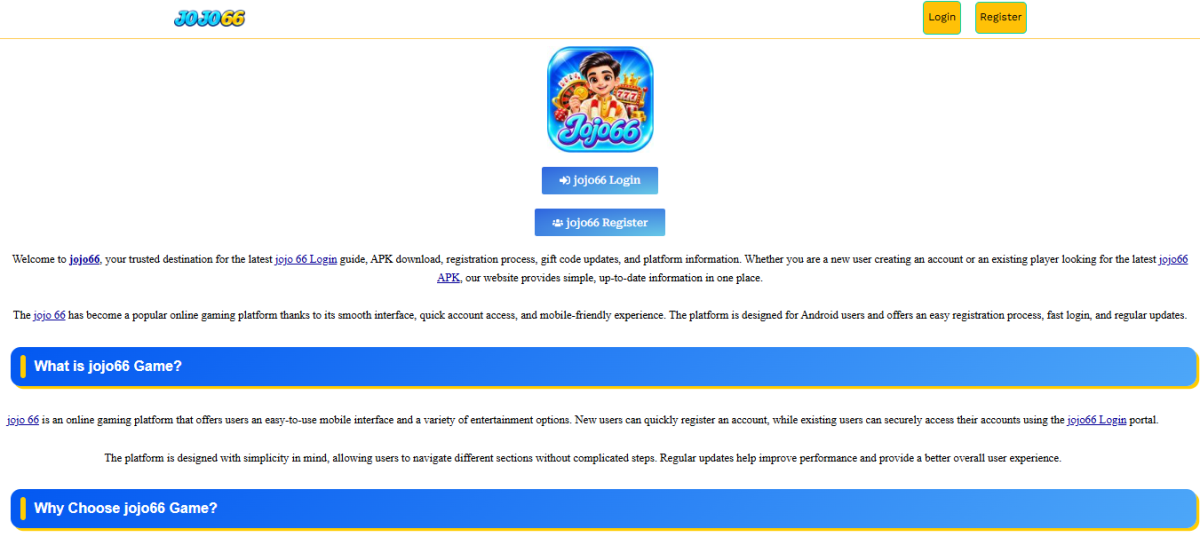
Accessing an online gaming account should be a simple process when users understand the available login options and basic security requirements. Jojo66 is a platform name that people may search for when exploring online gaming and digital entertainment services. Whether someone is looking for jojo66, jojo 66, or information about jojo66 login, understanding the account access process can help avoid common mistakes.
For new and existing users, knowing how to identify the correct login page, enter account information, and protect personal details is important. This article explains general account access procedures, common login difficulties, mobile browsing considerations, and useful security practices.
Understanding the Jojo66 Login Process
The login process is generally designed to allow registered users to access their personal accounts. If Jojo66 provides an official login facility, users should begin by locating the login section on its verified website.
A standard login page may request a registered username, mobile number, or other account identifier together with a password. The exact information required depends on the platform's official system.
Before entering any details, check the website address carefully. Avoid suspicious advertisements, unfamiliar links, and messages that direct users to unofficial login pages. A website that looks similar to a legitimate platform is not necessarily authentic.
Taking a moment to verify the page can help reduce the risk of exposing personal information.
How to Access Your Jojo66 Account
Users who already have a registered account can follow the instructions provided by the official platform.
Open the verified Jojo66 website using a trusted browser. Find the account login section and carefully enter the registered information. Check that the username or mobile number is correct before submitting the form.
Once the platform accepts the details, it may direct the user to an account dashboard or another available section. The dashboard may contain account settings, personal information, and other services supported by the website.
If the login attempt fails, avoid repeatedly entering random passwords. Check the information carefully and use the official recovery process if necessary.
Common Jojo 66 Login Problems
Sometimes users experience difficulties when trying to access an online account jojo 66. These problems can have several possible causes.
Incorrect login details are among the most common reasons for unsuccessful access. A typing mistake, incorrect password, or outdated account information may prevent the system from recognizing a user.
Browser problems can also affect website access. An outdated browser, unstable internet connection, or temporary technical issue may interrupt the login process.
In some situations, a website may be temporarily unavailable because of maintenance or server-related difficulties. Waiting and trying again later may help.
Users should avoid downloading unknown software or contacting unofficial account recovery services to solve these problems.
What to Do If You Forget Your Password
Forgetting a password can make account access difficult, but official recovery options may provide a solution.
If Jojo66 offers a password recovery feature, follow the instructions displayed on its verified website. The process may involve confirming registered contact information or completing an identity verification step.
Choose a new password that is difficult for others to guess. A combination of uppercase and lowercase letters, numbers, and special characters can improve password strength.
Avoid reusing passwords from email, banking, or social media accounts. Keeping different passwords for different services helps reduce security risks.
Never provide verification codes or recovery information to strangers.
Accessing Jojo66 on Mobile Devices
Many users prefer accessing online services through smartphones because mobile browsers provide convenient access while travelling or at home.
If the Jojo66 website supports mobile browsing, users may be able to open its login page directly through a compatible browser. Make sure the internet connection is stable and that the browser is updated.
Some platforms may also offer mobile applications, but users should verify the availability and authenticity of any application before downloading it. Installing APK files from unknown sources can create privacy and security problems.
A mobile-friendly website can be a practical alternative when an official application is unavailable.
Important Security Tips for Jojo66 Users
Protecting an online account requires consistent attention. Users should create strong passwords, keep personal information private, and avoid logging in through suspicious websites.
Public Wi-Fi networks may not provide adequate protection for sensitive account activity. Using a trusted private connection is generally a safer option.
It is also useful to review account activity when this feature is available. If unfamiliar activity appears, contact the platform through its verified support channels and change the password.
Be cautious of messages promising guaranteed rewards, special account benefits, or instant financial returns. These claims should not be trusted without reliable verification.
Conclusion
Accessing a Jojo66 account without confusion begins with understanding the official login process and keeping account information organized. Whether searching for jojo66, exploring jojo 66, or learning about jojo66 login, users should prioritize accurate information and account security.
By checking the website's authenticity, entering the correct login details, using official recovery options, and following basic security practices, users can avoid many common access problems. Always review the platform's terms, follow applicable local laws, and approach online gaming responsibly.















Comments (0)